


Go For AI
Type in the search box above for quick search in Pluingtutor.
BECOME A CONTRIBUTOR
Interested in getting your articles published with us ?
Powered By:

Melodics

Category: AUDIO DAW TUTORIAL

Crossfades effect in audacity software


In general crossfading means a smooth transition between one sound sample to another sound sample.

DJ’s (Disc Jockeys) often make use of the crossfading effect between musics to make sure that there is not any gaps.

In music editor software like audacity, this effect applies a fade-out to the one track and a fade-in to the another track by apply the Crossfade Tracks effect.
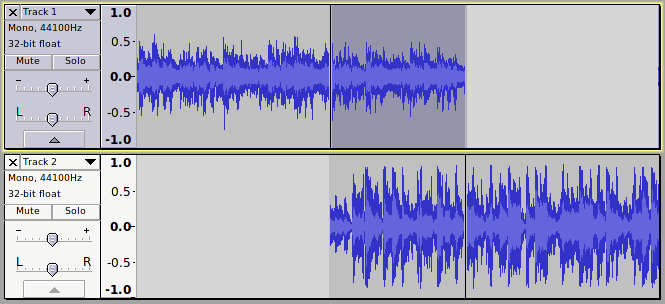
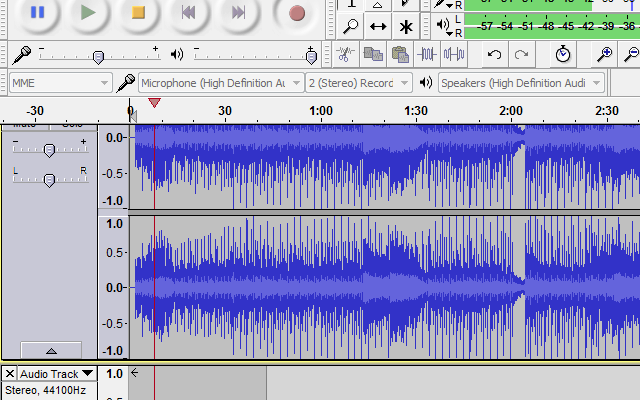
crossfade
crossfade example in audacity

Creating a Crossfade using audacity

Recording Karaoke using Audacity


Audacity is a free, simple, multi-track audio editor and recording Software, which available for different platforms like Windows, Mac OS X, GNU/Linux.

You can download this Software from here

Step One – Open audio file e.g. format wav or mp3  File -> Open

Audacity Recording
Audacity Recording and Vocal Track
Continue Reading
Powered By:

Melodics

logowordpressSelect Option